Administration
Property visitors
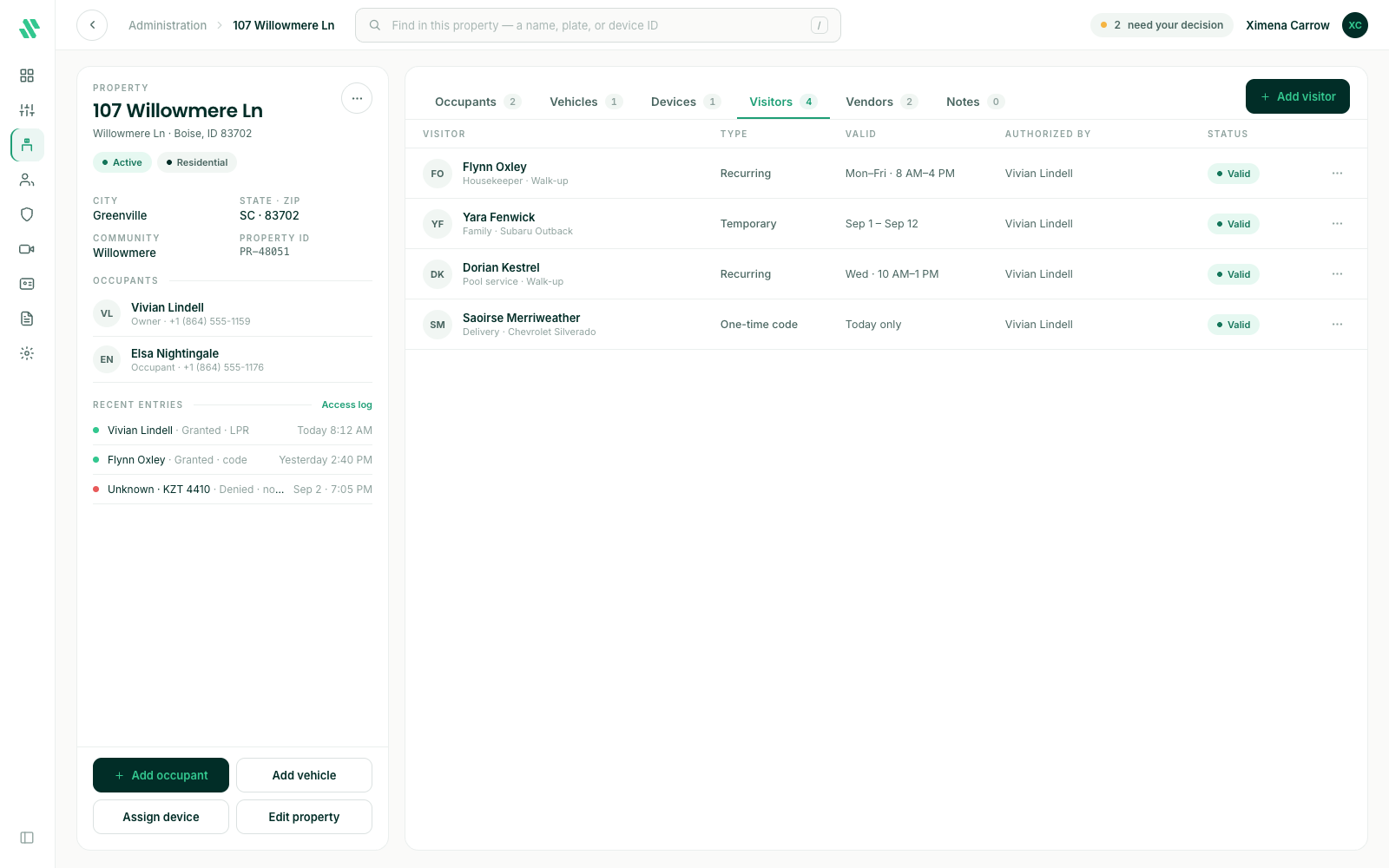
Last verified: October 4, 2026The Visitors tab on a property page lists the people and companies the property’s occupants have authorized: housekeepers, family, service companies and deliveries. Visitors don’t need the SAGE app. Gate staff can find them on the list when they arrive.
Each row shows the visitor, their access Type, when their access is Valid, who Authorized them, and their Status.
Access types
| Type | When it works |
|---|---|
| Permanent | Any time, with no end date. |
| Recurring | On the days and hours you set, every week, until you remove them. |
| Temporary | From one date and time to another. |
| One-time code | A six-digit code for a single visit. It stops working once it’s used, or 30 days after it starts if nobody uses it. |
Add a visitor
Occupants usually add their own visitors in the SAGE app. You can add one for them from the console.
- Go to Administration, open the property and select the Visitors tab.
- Click Add visitor.
- Enter a name, or a company name.
- Choose the access type. For Recurring, pick the days and hours. For Temporary, set Valid from and Valid to. For open-ended access, choose Permanent.
- Click Add visitor.
Change or remove a visitor
Click the ⋯ at the end of the visitor’s row:
| Action | What it does |
|---|---|
| Edit visitor | Change their name, access type or dates. |
| Extend access | Gives a temporary visitor more time. |
| Revoke access… | Removes them from the list. Guards see them as not authorized from then on. |
Need help?
Questions? Contact us at support@sagesystems.io.