Basics
Access your account
Last verified: October 3, 2026This guide is for the SAGE app (version 3) and management portal you use today. See the guide for the new apps.
The SAGE management portal runs in your web browser at sagesystems.io. Sign in with the email address and password on your SAGE account.
Sign in
- Go to sagesystems.io.
- Enter your Email Address and Password.
- Click Login.
You land on the first page your permissions allow, usually the Dashboard. Managers who only have Virtual Guard, rentals or Plate Search access land on that page instead.
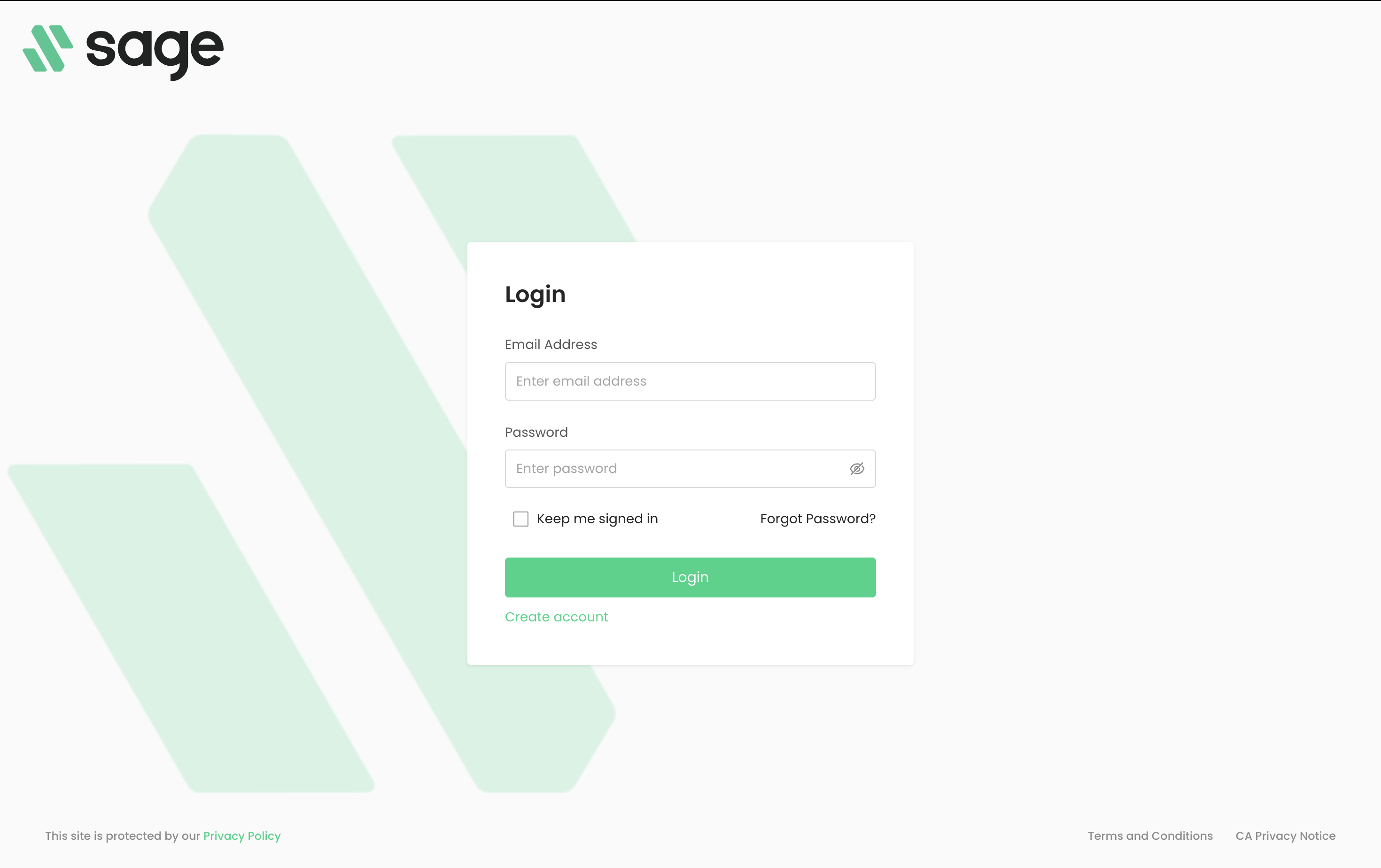
The portal keeps you signed in on that browser until you log out, whether or not you tick Keep me signed in. On a shared computer, always log out when you’re done.
First time signing in
You don’t create a manager account yourself. When someone on your team adds you, SAGE emails you an invitation.
- Open the invitation email and follow its link.
- Choose a password (at least 8 characters), enter it again under Confirm Password, and click Submit.
- On Account Info, check your name, email and phone number, then click Submit to finish. You’re signed in right away.
If you already have a SAGE account, for example because you manage another community, the link opens a page that says You have been invited. Log in there if asked, then click Accept or Decline.
Forgot your password
- On the Login page, click Forgot Password?.
- Enter your Email Address and click Send Password Reset Email.
- Open the email and follow the link to set a new password.
The page confirms that an email has been sent, even if the address isn’t on a SAGE account. If nothing arrives, check your spam folder.
Switch communities or log out
Your name sits at the top right of every page. Click it to open your account menu.
- Switch communities - If you manage more than one community, open the Organizations tab and click the community you want. You can search the list by name.
- Log out - Click the logout icon next to your name in the menu, or open the Profile tab and click Logout.
Need help?
Questions? Contact us at support@sagesystems.io.